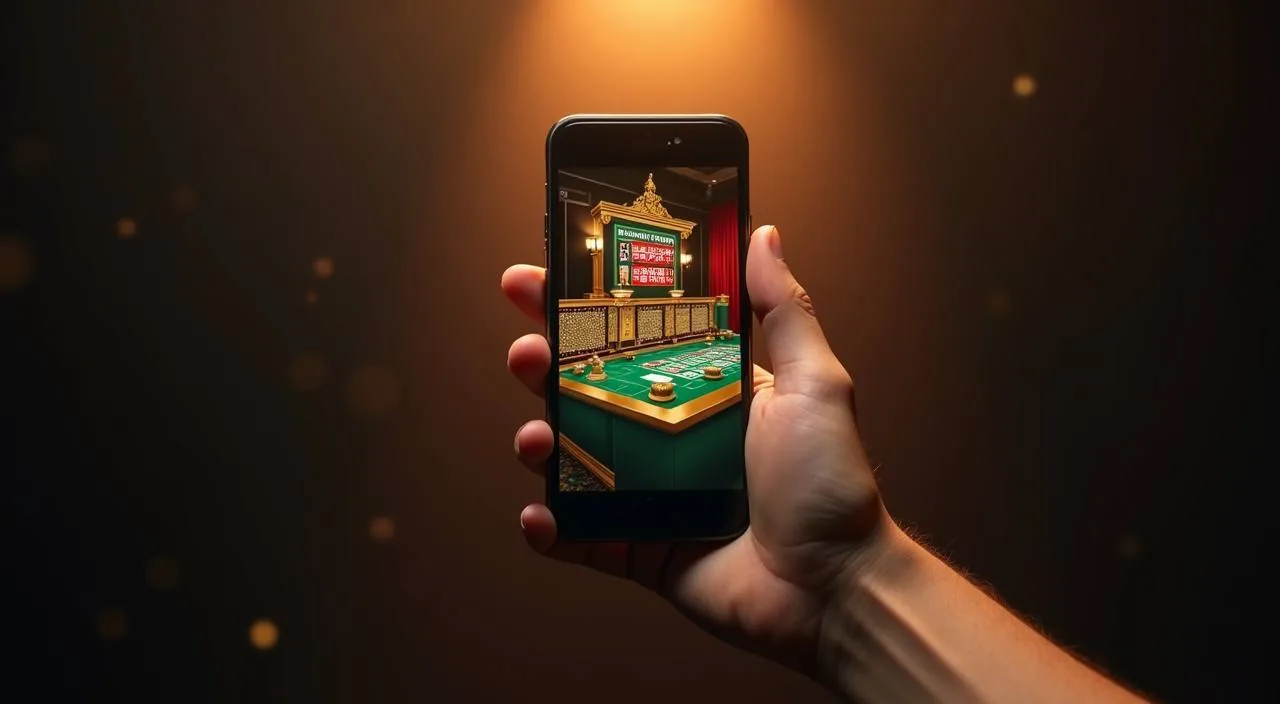
Open 95ck from any mobile browser and reach the full lobby — slots, live tables and sportsbook — without needing a separate install. Check the current domain for the most up-to-date access path available in your region.
When you open 95ck on a mobile browser, the layout shifts into a compact lobby view designed for smaller screens. Game categories — slots, live casino, crash games and sportsbook — stack into a scrollable rail that keeps navigation quick.
BROWSER FEATURES INSIDE
Mobile Web Features Worth Knowing
The 95ck mobile browser experience is built around four visible functions that affect how you navigate the lobby, manage your account and reach help when you need it. Each one is accessible from your mobile browser without any additional software — what you see below reflects what the responsive site actually renders on a handset screen.
Responsive Lobby Rail
Games scroll in a horizontal rail on mobile, grouping slots, live tables and crash rounds into distinct rows. Tap any thumbnail to open the game detail page and check how it plays on your current screen before you start.
Mobile Account Menu
Your wallet balance, deposit route and transaction log sit inside the account menu icon at the top of every page. From there you can also update contact details and check which payment method is linked to your account.
Game Detail Pages
Each game has its own detail page showing category, studio name and any RTP or volatility data that the provider has chosen to publish. We only display what the studio makes available — we do not add figures of our own.
In-Browser Help Access
The help section loads inside the same browser tab, so you can switch between a support article and your account page without losing your session state. No separate app or external link is required to read published guidance.
THREE CLEAR STEPS
Mobile Access in 3 Steps
Getting into the 95ck mobile lobby does not require an app store visit or a file download. The path below covers what you do in the browser to reach a working session.
Open the Current Site
Type the current 95ck domain into your mobile browser address bar or follow a verified link. Confirm the URL matches the domain you have on record before entering any account details.
Check Browser Compatibility
The lobby renders on most current Android and iOS browsers. If the layout looks broken or a game thumbnail fails to load, try switching to a different browser on the same device before contacting support.
Sign In to Your Account
Tap the account icon and enter your registered credentials. If your session has expired, use the published recovery path on the login page — do not share credentials through any chat channel.
Explore the Lobby
Once signed in, the full game rail and your wallet summary are visible. Switch between slots, live casino and sportsbook using the category tabs at the top of the lobby screen.
DEVICE AND SCREEN CHECK
Browser and Device Compatibility at a Glance
Before you settle into a session on a new device, it helps to verify a few things about how your browser handles the 95ck mobile layout. The checklist below covers the access points we know matter most — screen layout, account requirements, and how to confirm the device you are using is displaying the site as expected.
Browser Version
Use a current, updated browser on your device. Older browser versions may not render the game rail or account menu correctly. Updating your browser is the first fix to try before anything else.
Screen Layout Check
The lobby rail and account menu are designed for portrait orientation on most handsets. If elements overlap or menus fail to open, rotate to landscape and back to trigger the responsive layout recalculation.
Account Login Required
Game detail pages are visible without logging in, but playing any title and accessing your wallet requires a signed-in session. Verify your credentials before reporting a missing balance or locked game.
Domain Verification
Only use the domain listed on official 95ck communications. If your browser shows a certificate warning or the URL looks different from what you expect, stop and contact support before proceeding.
Supported Regions
Access to the full lobby depends on your local law and eligible region. Some game categories or features may not be available in all areas. The account page will reflect what is currently enabled for your account.
HELP FOR MOBILE USERS
Where to Go When Something Stops Working
Mobile sessions can run into issues that desktop sessions do not — slow loads, session timeouts and wallet sync delays are the most common reports we see. The three routes below match what is currently published on the site. Check your account state first before reaching out, since most display issues resolve once the session refreshes.
In-Browser Help Section
The help section is accessible from the main menu on every page. It covers account access, wallet questions and common mobile display issues. Start here — most questions about bKash deposits or Nagad transfers are answered in the published articles without needing to contact an agent.
Live Chat via Mobile Browser
If the help articles do not resolve your issue, the live chat icon is visible on the account and help pages when the service is active. Open it from the same browser session you used to sign in so the agent can see your account state.
Account Recovery Path
If you cannot sign in on mobile, follow the recovery link on the login page. It walks you through credential verification using the contact method registered to your account. Do not use third-party channels to recover access.
ACCOUNT SAFETY CHECKS
Keeping Your Mobile Session Secure
Mobile access introduces a few habits worth building from the start. Verifying the domain, protecting your credentials and knowing the published recovery path are the three things that matter most for keeping your account in a healthy state.
Confirm the Domain First
Before signing in, check that the URL in your browser matches the current 95ck domain exactly. Phishing copies of casino sites are common. If anything in the address looks different from what support sent you, close the tab immediately.
Read Published Device Guidance
The help section includes device-specific articles that cover known display issues on certain browser and OS combinations. Review those before concluding a game or wallet feature is unavailable on your handset.
Protect Your Credentials
Do not save your 95ck password in a shared device browser or share it through chat. The account page lets you update your password at any time. Use a password that is unique to this account and not reused elsewhere.
Use the Published Recovery Path
If you lose access to your account on mobile, the only verified recovery path is the one linked on the login page. Any third-party service claiming to recover your account is not affiliated with 95ck and should be ignored.
APP QUESTIONS ANSWERED
Common Questions About 95ck App Access
These are the questions we see most often from people trying to use 95ck on a mobile device. Each answer reflects what is currently published on the site — check the help section for the most current version of any policy or access step mentioned here.
Is there a native 95ck app available to download from Google Play or the App Store?
We have not confirmed a native app listing on Google Play or the App Store at this time. The full lobby — including games, your account and wallet — is accessible through your mobile browser without a separate download. Check the current site for any updates to app availability.
Which browsers work with the 95ck mobile site?
The mobile layout is designed for current versions of major Android and iOS browsers. If a section of the lobby fails to load, update your browser first and then try a different browser on the same device. The help section covers known compatibility issues for specific browser builds.
Can I make a bKash or Nagad deposit from the mobile browser version?
Yes — your wallet and payment options, including bKash and Nagad where available for your account, are accessible from the account menu in the mobile browser view. Follow the fields and instructions shown on the deposit page in your signed-in session for the current steps.
Why does the game lobby look different on my phone compared to desktop?
The 95ck layout switches to a compact, vertical stack on smaller screens. Game thumbnails move into a scrollable rail and some sidebar elements are hidden behind the menu icon. This is expected behaviour — if something looks broken rather than just compact, try refreshing the page or switching browsers.
How do I recover my account if I get signed out on mobile?
Use the recovery link on the login page — it guides you through verifying the contact method registered to your account. Do not attempt recovery through any chat channel or third-party service. If the recovery page itself is not loading, check that you are on the correct domain first.
Does the 95ck mobile site work without logging in?
You can browse game detail pages and read the help section without signing in. Playing any title from studios like or , checking your wallet or accessing your transaction history all require an active signed-in session with a verified account.
 Slots / Live